
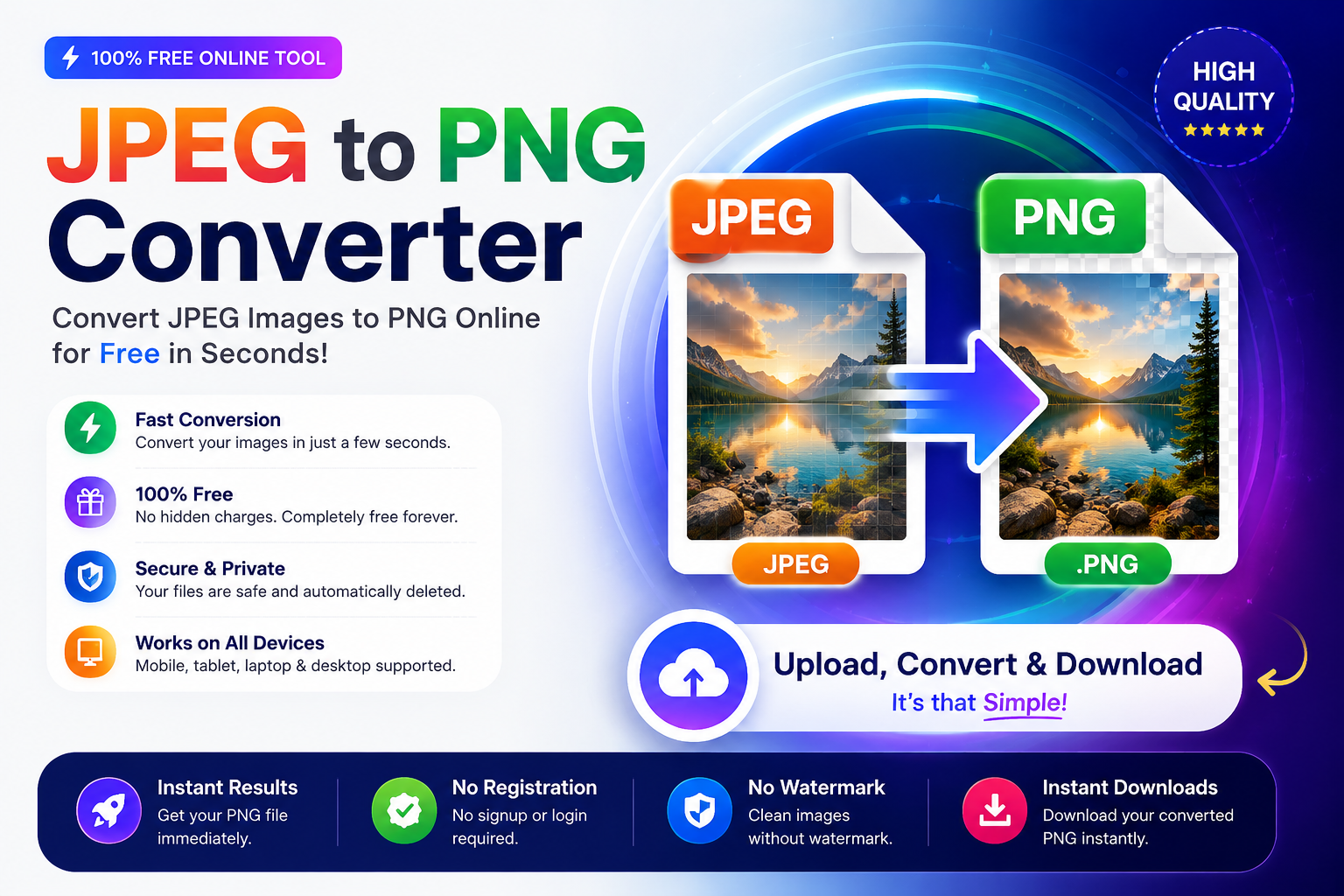
JPEG to PNG Converter – Convert Images Quickly and Easily
Images play an important role in websites, blogs, presentations, social media, and digital marketing. Choosing the right image format can improve image quality, editing flexibility, and compatibility with different applications. Two of the most commonly used image formats are JPEG and PNG.
Sometimes, you may need to convert a JPEG image into PNG format for better editing, improved quality preservation, or graphic design purposes. Instead of downloading software, you can use an online converter to complete the process in just a few seconds.
Our JPEG to PNG Converter is designed to make image conversion simple, fast, and user-friendly. Whether you are a student, blogger, designer, business owner, or developer, you can easily convert your images online without installing any additional software.
The tool works directly in your web browser and is compatible with Windows, macOS, Linux, Android, and iPhone devices.
What Is a JPEG Image?
JPEG stands for Joint Photographic Experts Group, the organization that created this popular image format. It is one of the most widely used formats for storing digital photographs because it offers a good balance between image quality and file size.
JPEG uses lossy compression, which means some image data is removed during compression to reduce the file size. In most cases, the quality difference is difficult to notice, making JPEG an excellent choice for everyday photography and web images.
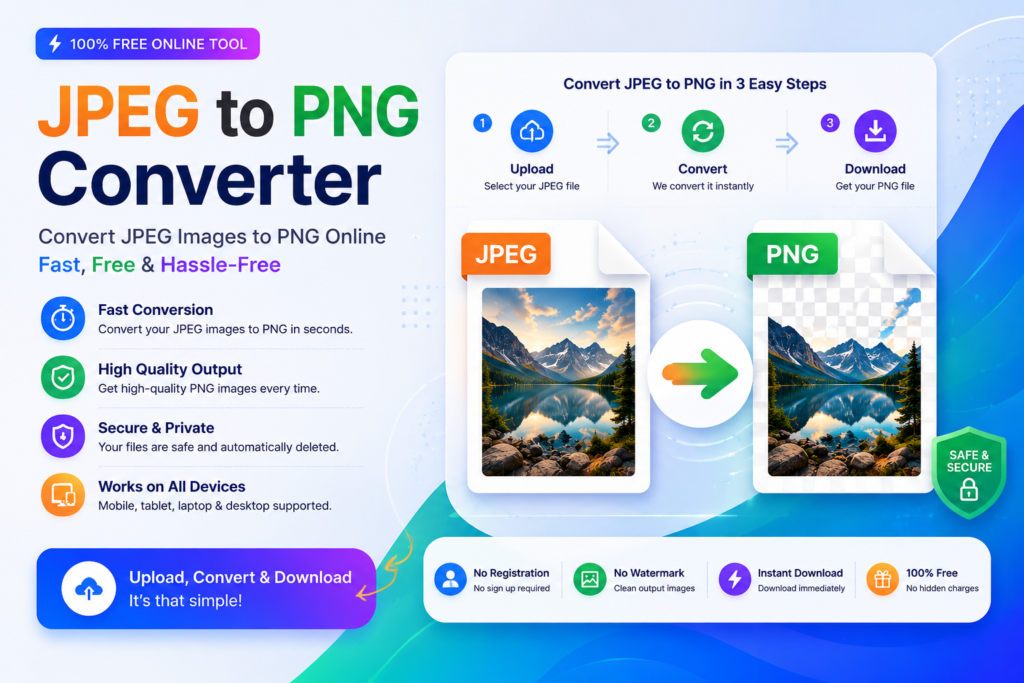
You can use the free online converter here:
Millions of websites, smartphones, digital cameras, and online platforms use JPEG images because they load quickly and require less storage space.
Common Uses of JPEG Images
- Digital photography
- Website photos
- Blog featured images
- Social media uploads
- Product images
- Online portfolios
- Personal photo collections
Advantages of JPEG
- Small file size
- Fast loading speed
- Supported by almost every browser and device
- Ideal for colorful photographs
- Easy to share online
Limitations of JPEG
Although JPEG is popular, it also has some disadvantages.
- Uses lossy compression
- Image quality may decrease after repeated editing and saving
- Does not support transparent backgrounds
- Not the best choice for logos or graphics with sharp edges
What Is a PNG Image?
PNG stands for Portable Network Graphics. It is another widely used image format that focuses on preserving image quality.
Unlike JPEG, PNG uses lossless compression, which means image data is preserved during saving. This makes PNG an excellent choice for images that need to maintain sharp details, clear text, or transparent backgrounds.
PNG is commonly used by graphic designers, web developers, digital artists, and businesses because it produces high-quality images without noticeable quality loss.
Common Uses of PNG Images
PNG images are suitable for many professional and personal projects, including:
- Company logos
- Website graphics
- Mobile app icons
- Transparent images
- Screenshots
- Infographics
- Digital illustrations
- User interface designs
Advantages of PNG
PNG offers several important benefits.
- High image quality
- Lossless compression
- Supports transparent backgrounds
- Better for editing
- Sharp text and graphics
- Excellent for logos and illustrations
Limitations of PNG
PNG files are generally larger than JPEG files.
Some disadvantages include:
- Larger file size
- Slower website loading if images are not optimized
- Not always necessary for standard photographs
JPEG or PNG – Which One Should You Choose?
Both formats are useful, but each is designed for different purposes.
Choose JPEG if you need:
- Smaller file size
- Faster website loading
- Digital photographs
- Social media pictures
Choose PNG if you need:
- Better editing quality
- Transparent backgrounds
- Logos
- Website graphics
- Professional design projects
- High-quality illustrations
Understanding the strengths of each format helps you choose the right image type for every project.
JPEG vs PNG – Understanding the Key Differences
Although JPEG and PNG are both popular image formats, they are designed for different purposes. Understanding the differences will help you choose the best format for your project.
JPEG vs PNG Comparison
| Feature | JPEG | PNG |
|---|---|---|
| Compression | Lossy Compression | Lossless Compression |
| Image Quality | Good | Excellent |
| Transparency Support | No | Yes |
| File Size | Smaller | Larger |
| Best For | Photographs | Logos, Graphics & Icons |
| Editing | Quality may decrease after saving | Maintains quality during editing |
| Background Transparency | Not Supported | Supported |
| Web Performance | Smaller file size for faster page loading | Higher quality with a larger file size |
When Should You Use JPEG?
JPEG is the better choice when:
- You are uploading photographs to a website.
- You want smaller image files.
- Fast loading speed is important.
- You are sharing photos online.
- Storage space is limited.
When Should You Use PNG?
PNG is recommended when:
- You need transparent backgrounds.
- You are creating logos or icons.
- You are editing images multiple times.
- You want sharp graphics and text.
- Image quality is your top priority.
Why Convert JPEG to PNG?
There are many situations where converting a JPEG image into PNG format can be useful. While converting does not restore details that were already lost in a JPEG file, it allows you to work with a format that preserves quality during future editing and supports additional features such as transparency.
Here are some common reasons people choose to convert JPEG images into PNG:
Better Image Preservation
PNG uses lossless compression, helping maintain the image quality during future editing and saving.
Graphic Design Projects
Designers often use PNG because it produces cleaner graphics, especially for logos, banners, and illustrations.
Website Graphics
PNG is commonly used for buttons, icons, diagrams, and other website elements that require sharp edges and clear details.
Editing Images
If you plan to edit an image several times, PNG helps avoid additional quality loss that may occur with repeated JPEG compression.
Professional Presentations
Business presentations, educational slides, and marketing materials often look cleaner when graphics are saved in PNG format.
How to Convert JPEG to PNG Online
Converting your image is quick and easy. Follow these simple steps:
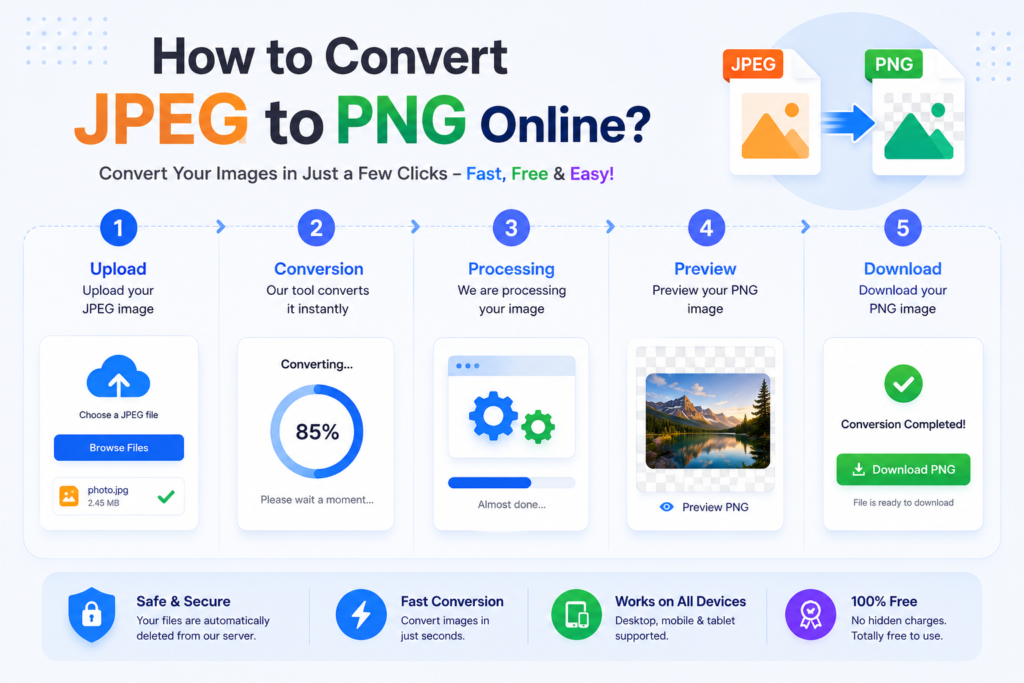
Step 1 – Open the Converter
Visit the JPEG to PNG Converter page in your web browser.
Step 2 – Upload Your JPEG Image
Click the upload button and select the JPEG image you want to convert.
Step 3 – Start the Conversion
Press the Convert button. The tool will begin processing your image automatically.
Step 4 – Wait a Few Seconds
The conversion usually takes only a short time, depending on the image size.
Step 5 – Download Your PNG File
Once the conversion is complete, download the PNG image and use it in your projects.
Features of Our JPEG to PNG Converter
| Icon | Feature | Description |
|---|---|---|
| ⚡ | Fast Conversion | Convert your JPEG images into PNG format within seconds with quick and reliable processing. |
| 💯 | Free to Use | Use the converter anytime without paying any fees or creating an account. |
| 💻 | No Software Installation | Everything works directly in your browser, so there is no need to download or install any applications. |
| 👌 | Easy-to-Use Interface | The clean and simple interface makes image conversion easy for beginners as well as professionals. |
| 📱 | Works on All Devices | Compatible with Windows, macOS, Linux, Android smartphones, iPhones, tablets, and desktop computers. |
| 🌐 | Browser-Based Tool | Works smoothly on Google Chrome, Microsoft Edge, Mozilla Firefox, Safari, Opera, and other modern browsers. |
| ⬇️ | Quick Downloads | Download your converted PNG image instantly after the conversion process is completed. |
| 😊 | User-Friendly Experience | A simple workflow helps users convert images in just a few clicks without technical knowledge. |
Does Converting JPEG to PNG Improve Image Quality?
This is one of the most common questions users ask.
The simple answer is No.
A JPEG image uses lossy compression, which means some image information is permanently removed when the file is created. Converting that JPEG file into PNG format cannot restore the lost details.
However, converting to PNG has several advantages.
Once the image is saved as PNG, future editing and saving will not introduce additional compression loss. This makes PNG a better choice if you plan to continue editing the image or use it in graphic design projects.
Is JPEG to PNG Conversion Safe?
Yes, converting JPEG images into PNG format is generally safe when you use a trusted online converter.
Before uploading any image, keep the following points in mind:
- Use secure and reliable websites.
- Avoid uploading confidential or sensitive images.
- Check the website’s privacy policy if you are handling important files.
- Download your converted image after the process is complete.
Using a browser-based converter is also convenient because you do not need to install additional software on your computer.
Final Thoughts
Both JPEG and PNG are valuable image formats, but each serves a different purpose. JPEG is ideal for photographs and smaller file sizes, while PNG is better suited for logos, graphics, screenshots, illustrations, and projects where image quality is important.
If you regularly work with digital images, understanding when to use each format can help improve both image quality and workflow. Choosing the right format also makes it easier to create professional-looking content for websites, presentations, social media, educational materials, and graphic design projects.
Whether you are a student, Content Creater like (usacelebhub), designer, developer, business owner, or casual user, converting JPEG images to PNG can be a practical solution when you need higher editing flexibility and clearer graphics.
Thank you for reading this guide. We hope it has helped you understand the differences between JPEG and PNG and how to choose the right format for your needs.
(FAQ’s) Frequently Asked Questions
1. What is a JPEG file?
Ans: JPEG is a popular image format designed mainly for photographs. It uses lossy compression to reduce file size while maintaining good visual quality.
2. What is a PNG file?
Ans: PNG is a lossless image format that preserves image quality and supports transparent backgrounds.
3. Is this JPEG to PNG Converter free?
Ans: Yes. The converter can be used without purchasing software or creating an account.
4. Do I need to install any software?
Ans: No. The converter works directly in your web browser.
5. Can I use the converter on my mobile phone?
Ans: Yes. It works on Android phones, iPhones, tablets, laptops, and desktop computers.
Related Online Image Tools
Need more image conversion tools? Explore our free online utilities below to convert, edit, and manage your images quickly and securely.

Hello, I am Narinder Kumar. I am admin and content manager of this website. I manages website content, free online tools, updates, and overall site performance to ensure a smooth with 5 year+ Experience. Our aim is to make the user’s work easier without wasting time.