Free Passport Size Photo Maker Online

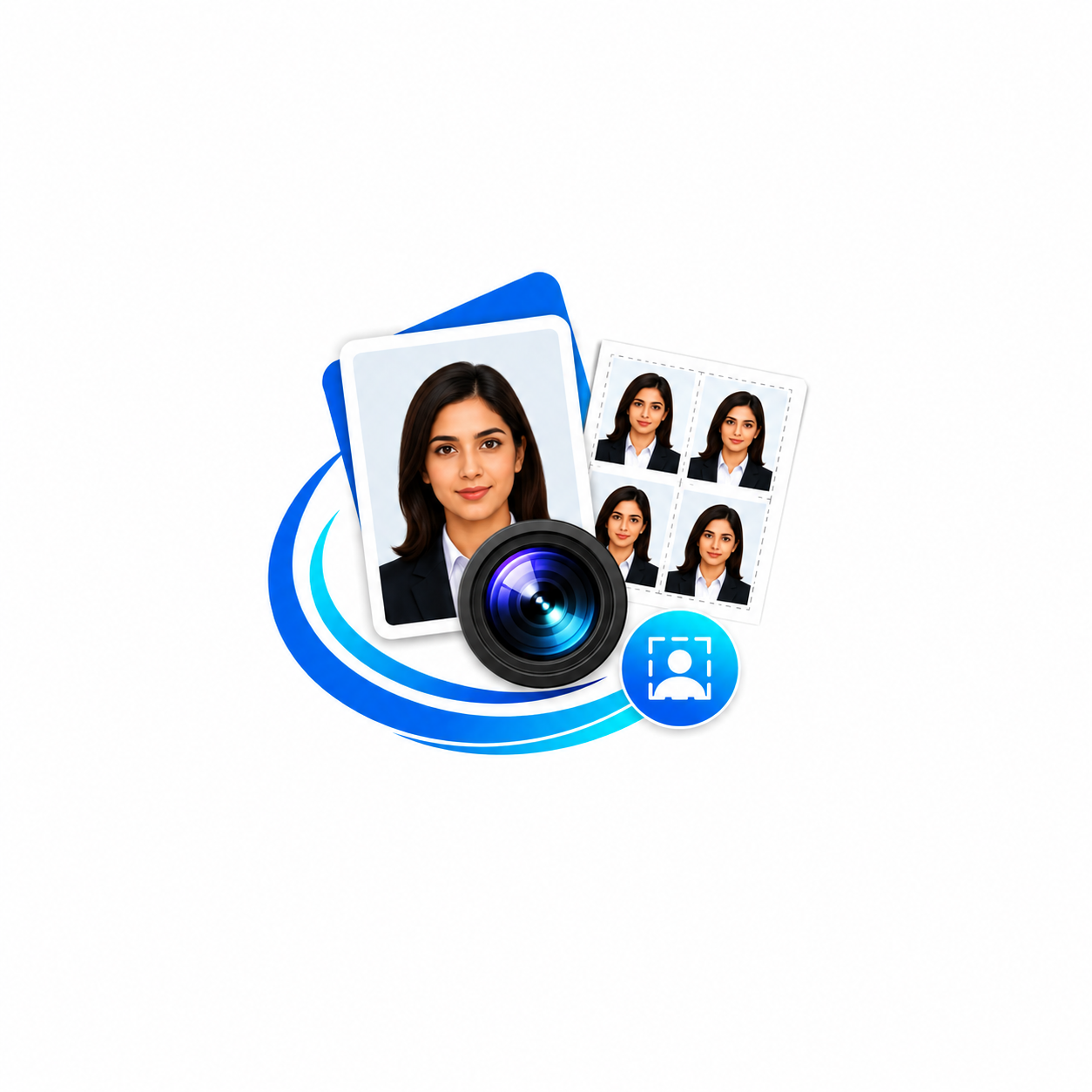
Create professional passport-size photos online with the SF Tool Converter Passport Size Photo Maker. Simply upload your image, crop and adjust it, choose the required passport or document size, generate multiple copies on an A4 sheet, and instantly download or print high-quality passport photos. Everything is processed securely inside your browser, providing a fast, private, and seamless experience on desktop, tablet, and mobile devices without installing any software.

SF Tool Converter

Passport Photo Maker

Upload your photo

JPG, PNG or WEBP. You'll be able to crop and frame it next.

Drag & drop your photo here

or click to browse — max 15MB

Crop & frame

Zoom, drag to reposition, and rotate if needed.

Frame ratio
Zoom
Rotate

Photo size & number of copies

A thin black border and A4 sheet layout are added automatically.

Document type
Print quality (DPI)
Number of photos

Preview & download

Your print-ready A4 sheet is below.

100% Page 1 of 1
A4 print sheet preview with generated passport photos

Processed entirely in your browser — nothing is uploaded to a server.

Why Choose Our Passport Size Photo Maker?

Create professional passport photos in seconds with powerful editing tools, automatic print layouts, and high-quality downloads. Everything works securely in your browser without installing any software.

📤

Easy Photo Upload

Upload JPG, PNG, or WEBP images directly from your device with fast processing and no registration required.

✂️

Smart Crop & Rotate

Crop, zoom, rotate, and position your photo accurately for passport, visa, Aadhaar, PAN Card, and other official documents.

📐

Multiple Photo Sizes

Choose from popular passport photo sizes or create your own custom dimensions according to your requirements.

🖨️

Automatic A4 Print Sheet

Generate multiple passport photos neatly arranged on an A4 sheet with professional borders, ready for printing.

High Quality Output

Download crystal-clear passport photos in high resolution with support for professional print quality up to 600 DPI.

🔒

100% Secure & Private

Your photos never leave your device. Everything is processed locally inside your browser for complete privacy and security.

How to Use Passport Size Photo Maker

Create professional passport photos in four simple steps. No registration, no software installation, and works perfectly on desktop and mobile devices.

1

Upload Photo

Select a JPG, PNG, or WEBP image from your device to begin creating your passport-size photo.

2

Crop & Adjust

Crop, zoom, rotate, and position your face correctly according to your passport or ID photo requirements.

3

Choose Size

Select the required passport photo size, print layout, DPI, and the number of copies for your A4 sheet.

4

Download & Print

Preview your final passport photo sheet, then download it in high quality or print it instantly.

Common Passport & ID Photo Sizes

Choose the correct passport photo dimensions for your document. Our Passport Size Photo Maker supports standard international photo sizes for passports, visas, identity cards, and government documents.

Document Type Recommended Size Purpose
🛂
Passport
35 × 45 mm International Passport
✈️
Visa Photo
2 × 2 Inch Visa Applications
🆔
Aadhaar Card
35 × 45 mm Identity Verification
💳
PAN Card
35 × 45 mm PAN Registration
🚗
Driving Licence
35 × 45 mm Driving Licence
🏢
Employee / School ID
Custom Size User Defined

Supported File Formats

Our Passport Size Photo Maker supports the most popular image formats, allowing you to upload high-quality photos and generate professional passport photos quickly and securely.

JPG Format

JPG

Upload and process JPG images with excellent quality, making them ideal for passport photos and official documents.

Most Popular
PNG Format

PNG

Supports transparent and high-quality PNG images while maintaining excellent clarity throughout editing.

High Quality
WEBP Format

WEBP

Upload modern WEBP images for faster loading and efficient image processing without compromising quality.

Modern Format
JPEG Format

JPEG

Fully compatible with JPEG images, providing reliable performance for passport photos and ID documents.

Universal Support
FAQ's Passport Size Photo Maker

1

How can I create a passport size photo online for free?

You can create a passport-size photo online by uploading your image, adjusting the crop, selecting the required passport photo size, and downloading the final print-ready image. Our Passport Size Photo Maker works directly in your browser without requiring any software installation or account registration.
2

What is the standard passport size photo dimension?

The most commonly used passport photo size is 35 × 45 mm. However, some countries require different dimensions, such as 2 × 2 inches (51 × 51 mm) for U.S. passport and visa photos. Always check your country's official guidelines before printing.
3

Can I use this tool for Aadhaar Card, PAN Card, Visa, and Driving Licence photos?

Yes. This Passport Size Photo Maker is suitable for creating photos for passports, visa applications, Aadhaar Card, PAN Card, driving licences, employee ID cards, school ID cards, resumes, and many other official documents.
4

Which image formats are supported?

The tool supports popular image formats including JPG, JPEG, PNG, and WEBP. You can upload any of these formats and generate a high-quality passport photo without losing image quality.
5

Is my uploaded photo safe and private?

Yes. Your privacy is important. The tool processes your images securely in your browser, helping protect your personal photos. No registration is required, and your images are not permanently stored.
6

Can I print multiple passport photos on one A4 sheet?

Yes. The tool automatically arranges multiple passport-size photos on a single A4 sheet, making it easy to print several copies while reducing paper waste and printing costs.
7

Does this Passport Size Photo Maker work on mobile devices?

Absolutely. The tool is fully responsive and works smoothly on Android phones, iPhones, tablets, laptops, and desktop computers. You can create, download, and print passport photos from any modern web browser.